
Carteret County Court Records After a Jail Arrest
Court records after a jail arrest in Carteret County should be read as the criminal-case side of the event, not as a duplicate of the jail roster. The Carteret County Detention Center roster is built from booking and arresting-agency information entered at the time of arrest. It may list the charge, court type, court date, bond amount, bond type, and arresting agency, but the county disclaimer warns that fingerprint checks, criminal-history verification, and other quality controls may not be complete when the report is generated.
Carteret County is in North Carolina Prosecutorial District 4, Superior Court District 4, and District Court District 4. On August 1, 2025, the North Carolina Judicial Branch published that Matthew T. Wareham would serve as District Attorney for Prosecutorial District 4, which covers Carteret, Craven, and Pamlico counties. The same announcement said the governor announced the appointment on July 31, 2025, filling the vacancy created by the retirement of the Honorable Scott Thomas.
The booking side answers custody questions: whether the person is currently in the Carteret County Detention Center, what charge appeared at intake, and what bond row the jail shows. For that route, use Carteret County jail inmate records. Booking photos are a separate roster feature, so the more accurate place for that topic is Carteret County jail mugshots. The court side answers what charge the prosecutor filed, whether it remains pending, and what happened in court.
How to Find Carteret County Court Records After an Arrest
The North Carolina Judicial Branch says criminal case information can be accessed through public self-service terminals at clerk of court offices, through the NC Courts Portal, and through paper court files in the county where the case is located. Carteret County's public-records page routes court records, court dates, and court hours to the Carteret County Clerk of Court at 252-504-4400.
The NC Judicial Branch Carteret County courts page identifies the local court districts and routes users to courthouse resources, court dates, Portal tools, and clerk contact information.
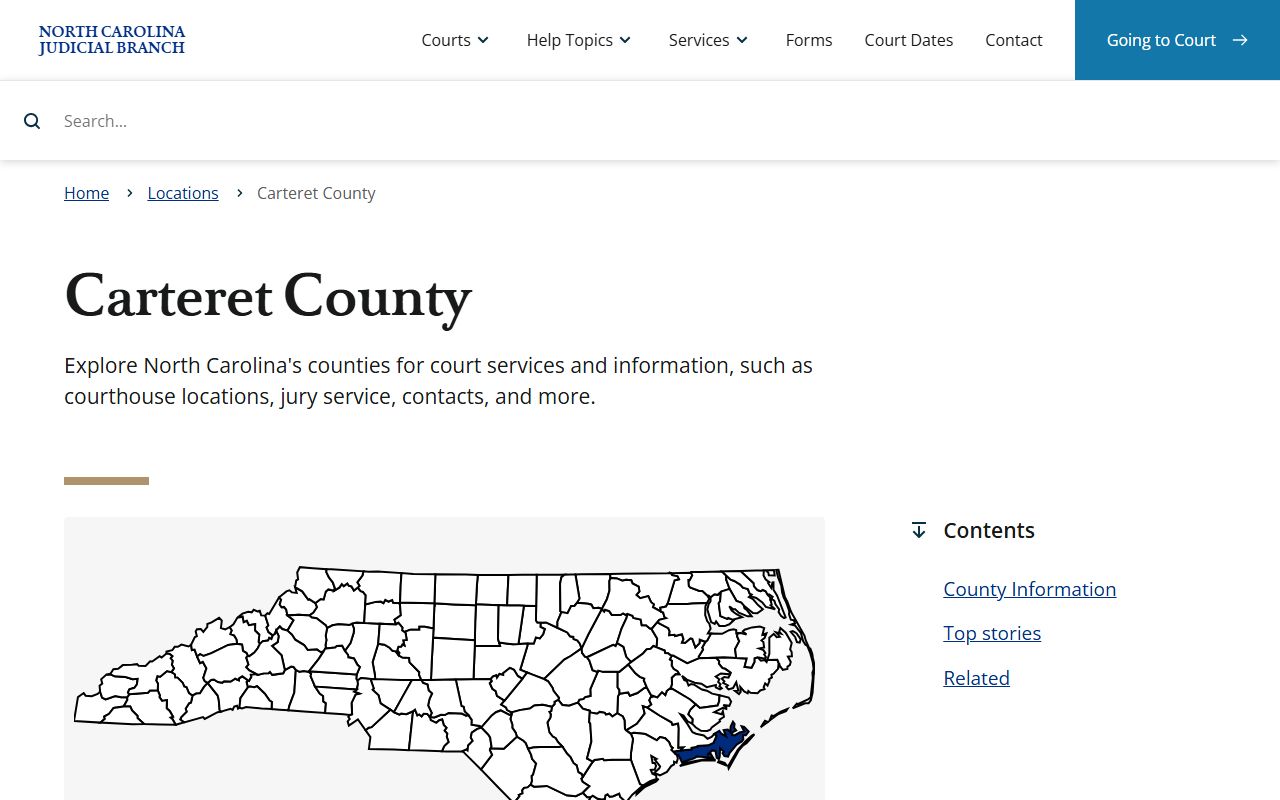
Use that court-location page when the question is where the case belongs locally. Use the Portal or a clerk terminal when the question is the case record itself.
- Start with the Carteret County inmate roster only to confirm the booking charge, arresting agency, bond row, and any court date shown at intake.
- Open the NC Courts Portal and use Smart Search for the defendant name or case information. JavaScript and cookies are required.
- Use Search Hearings when the main need is an upcoming court appearance by name, county, and date range.
- If Portal results are incomplete, use a public terminal at the clerk's office or contact the Carteret County Clerk of Court.
- For paper files or older records, ask the clerk about access and copy procedures.
| Portal Field or Tool | What It Does | Access Notes |
|---|---|---|
| Smart Search | Searches for court records and case information. | Available from the Portal landing page; JavaScript and cookies are required. |
| Search Hearings | Searches hearing and court-date information by name, county, date range, and related fields. | Useful when the roster court date looks stale or needs confirmation. |
| Make Payments | Handles payments for some probation, parole, criminal, and infraction matters. | Portal information lists Visa, MasterCard, Discover, and similar card options, but not every case is payable online. |
| NC Judgment Search | Searches judgment information under North Carolina court indexing rules. | Not a substitute for a criminal case-file review. |
| Register / Sign In | Provides account access where needed for Portal functions. | Portal supports anonymous, registered, and elevated users. |
| CAPTCHA | Security challenge for Portal access. | Tyler Portal requires a CAPTCHA about every ten minutes for anonymous, registered, and elevated users. |
The NC Courts Portal landing page provides Smart Search, Search Hearings, Make Payments, and NC Judgment Search in one statewide interface.
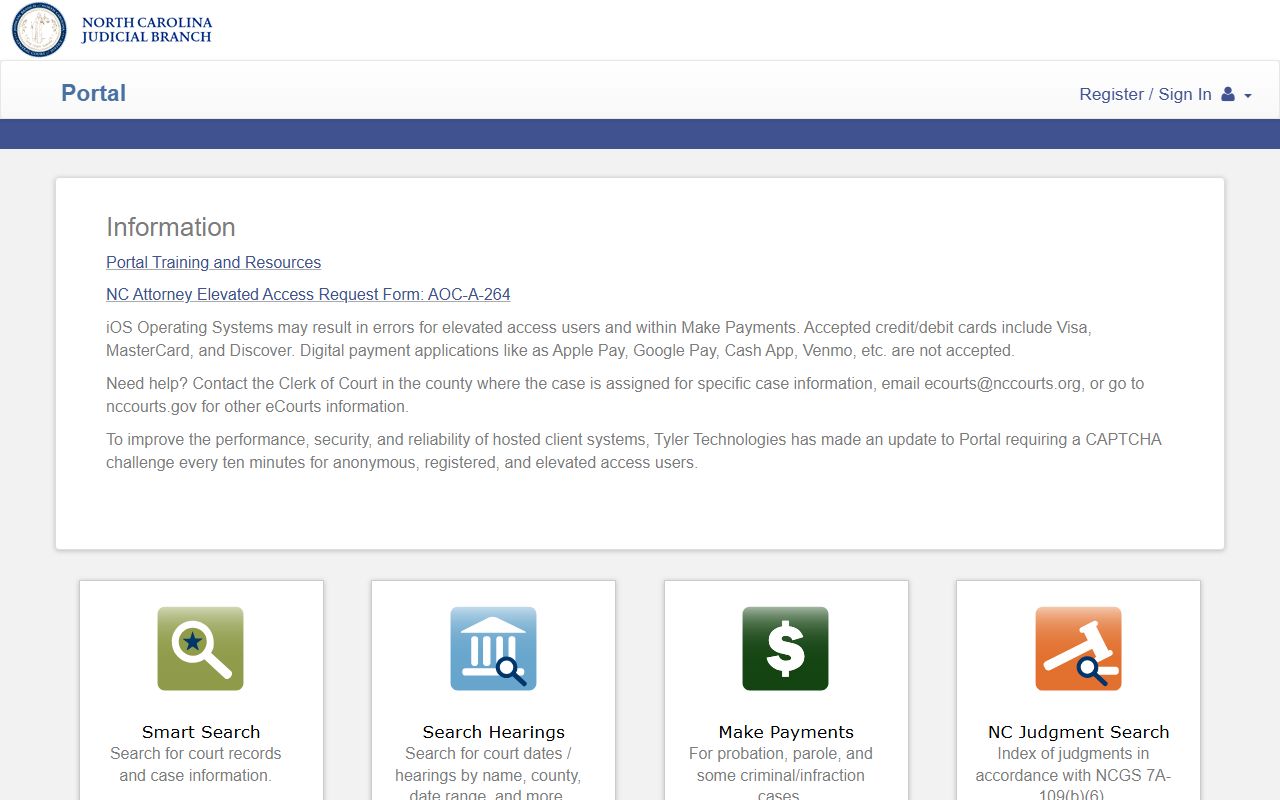
Portal results are helpful for ordinary case lookup, but the Judicial Branch specifically points people performing background checks to the county clerk's office rather than treating Portal as the final background-check source.
How Charges Get Filed After an Arrest: Complaint, Information, and Indictment
The arrest-to-court path is sequential. A person is arrested or served with process, brought into lawful custody, booked at the Carteret County Detention Center, and entered into the roster if publicly listed. An early court event or first appearance follows. Prosecutor review then determines whether charges proceed as written, change, reduce, dismiss, or move into a formal charging process.
| Complaint | Information | Indictment | |
|---|---|---|---|
| Who Creates It | Usually based on officer or magistrate charging information. | Filed by the prosecutor in qualifying criminal proceedings. | Returned by a grand jury in felony proceedings. |
| Common Role | Begins or supports an early criminal case after arrest or service. | Formalizes a prosecutor-filed charge where allowed. | Moves a felony accusation into a formal superior court posture. |
| Why It Matters | May look close to the jail booking charge but still needs court verification. | Can reflect prosecutor review after the initial arrest record. | May supersede or refine an earlier charge listed on the roster. |
Charge Status and What It Means
A roster charge is a snapshot from booking. A court charge is part of a living case file. In Carteret County, the District Attorney's office can continue, amend, reduce, dismiss, or prosecute charges through district or superior court. A person may also have multiple charge rows, each with its own bond and court date.
| Status | What It Means |
|---|---|
| Pending | The charge or case remains open and has not reached final disposition. |
| Amended | The filed charge details changed after review, court action, or prosecutor decision. |
| Reduced | The prosecuted offense became a lesser charge than the original accusation. |
| Dismissed | The charge ended without a conviction on that count. |
| Convicted | The court entered guilt by plea, verdict, or other adjudication. |
| Disposed | The court has taken final action resolving the charge or case event. |
Bond and Release After an Arrest
The Carteret County roster can list bond by charge row, including the amount and bond type. That makes the roster useful for a quick custody check, but it is not the final authority on pretrial release. A magistrate or court order controls the actual conditions, and bond may change after first appearance, after additional charges, after indictment, or after a court order modifying release. Screenshots and old roster entries can be wrong after a court review.
Start with the current inmate profile, then confirm case status through the NC Courts Portal or the Carteret County Clerk of Court at 252-504-4400. If a private bonding company is used, that is a private arrangement. The inspected county pages did not publish an accepted-payment table or official list of bondsmen. If another agency has a hold, paying a local bond may not produce release.
| Bond Type | How It Works |
|---|---|
| Written Promise | The person signs a promise to appear and follow release conditions, without a money bond shown as the release method. |
| Unsecured Bond | No upfront money is paid, but the person may owe the stated amount if release terms are violated. |
| Secured Bond | Money, property, or surety backing is required before release; sample Carteret roster rows showed secured bond entries. |
| No Bond / Hold | Release is unavailable at that stage or blocked by a hold, detainer, or court order. |
Warrants That Lead to an Arrest
No official Carteret County active-warrant public search portal was located in the inspected sources. The sheriff staff directory lists a Warrant Division and identifies Everett Clark as Deputy Sheriff under that division, using the Sheriff's Office main number, 252-728-8400. That means the jail roster should not be described as a warrant-search database. It becomes useful only after a warrant, order for arrest, or other lawful authority results in custody at the Carteret County Detention Center.
Different warrant types lead to different records. An arrest warrant directs law enforcement to arrest a named person on a criminal charge. A bench warrant or order for arrest often follows a failure to appear or violation of a court order. A search warrant authorizes a search of a place or item and is not the same as an inmate record.
Charges vs. Convictions
An arrest and a filed charge are not the same as a conviction. The Carteret roster itself cautions that listed information is not meant to imply guilt or wrongdoing. The court record after a jail arrest should be read by stage: accusation, prosecutor action, hearing activity, and final disposition. Until a conviction is entered by plea, verdict, or other adjudication, the charge remains an allegation or pending court matter.
| Charge | Conviction | |
|---|---|---|
| Stage | An accusation or filed count after arrest, citation, indictment, or another charging step. | A final guilt finding by plea, verdict, or other court adjudication. |
| What to Verify | Charge name, offense level, court date, bond, and pending status. | Disposition date, sentence, conditions, and whether any appeal or later order exists. |
| Where to Check | NC Courts Portal, clerk terminal, paper file, and current roster for booking context. | Clerk record and official court file, especially for background-check purposes. |
Sealed vs. Expunged Court Records After an Arrest
North Carolina public-records law starts with broad access to public records, but criminal investigation and intelligence records have important limits under G.S. 132-1.4. Expunction is a separate court process. Research identified G.S. 15A-145.5 as a North Carolina statute governing expunction of certain misdemeanors and felonies and related court and law-enforcement record handling.
| Sealed | Expunged | |
|---|---|---|
| Visibility | Public access is restricted by law or court order, but the record may still exist. | Eligible records are removed from public access according to the expunction order and statute. |
| Who Acts | The court or record custodian applies the restriction that controls access. | The court order drives handling by court and law-enforcement record holders. |
| Carteret Practical Point | Ask the clerk or originating agency how a restricted record is handled. | Do not assume a dismissal automatically removes every booking image or third-party copy without an expunction process. |
Background Check Considerations
Casual lookup and a compliant background check are different tasks. The NC Judicial Branch says individuals performing background checks should use the county clerk's office rather than relying on Portal alone. For statewide criminal-history checks, North Carolina materials point to the State Bureau of Investigation as the central repository. A Carteret County jail booking, a Portal entry, or a screenshot of a roster charge should not be treated as full criminal-history proof.
Important: Do not use this lookup material for employment, housing, credit, insurance, or any other FCRA-covered decision.
Restricted Court Records After an Arrest in Carteret County
Some records connected to an arrest may be public while others are restricted. North Carolina G.S. 132-1 defines public records broadly, and G.S. 132-6 provides inspection and copy rights subject to legal exceptions and fees. G.S. 132-1.4 makes criminal investigation and intelligence records generally nonpublic while identifying categories of law-enforcement information that remain public. Law-enforcement recordings have their own access rules under G.S. 132-1.4A. Juvenile matters, sealed files, expunction orders, ongoing investigations, and protected victim or witness information can all affect what appears online or at a public terminal.
The practical Carteret route is to match the record type to the office. Use the sheriff or Records Division for arrest reports, jail bookings, mug shots, accident reports, and CAD reports when public. Use the clerk, Portal, or public terminal for court files, charges, hearings, and dispositions. Use NC DAC, federal, or immigration locator systems only when the custody question belongs outside the county jail and court record.